

→ GeForce Experience 3.0 ←
Here you can discuss anything related to technology as well as ask for help if you have an issue related to your PC or devices.
when I saw it, I was like, no please, I really like this one but, now geforce experience loads once you click on it and not like before in 20 seconds.
Needed some time to find shadowplay, that's now called "share" with alt + Z overlay where you can change it anywhere, that's good.
Overall, just have to be used to it and it'll be epic. Thanks, Nvidia. <3
Also, thanks for opening this topic, I feel like I can talk with brothas about issues and all.
Needed some time to find shadowplay, that's now called "share" with alt + Z overlay where you can change it anywhere, that's good.
Overall, just have to be used to it and it'll be epic. Thanks, Nvidia. <3
Also, thanks for opening this topic, I feel like I can talk with brothas about issues and all.


-

- [Lsrcr]Astrl
- Posts: 5097
- Joined: March 9, 2016, 5:38 pm
- Location: Northamptonshire, England
-
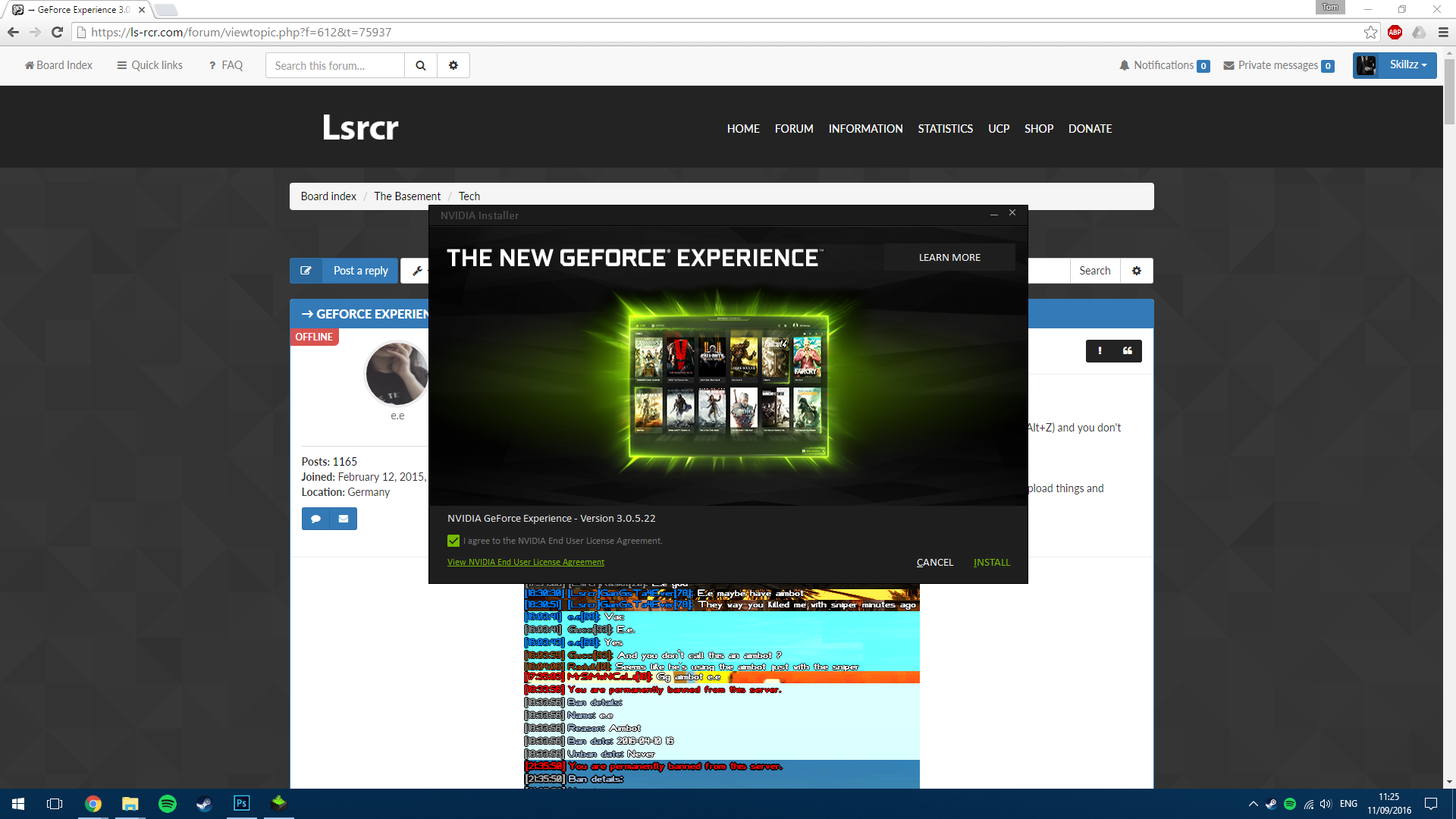
Update: Typical, the installer crashed and failed to install.
Downloading and installing it this way:
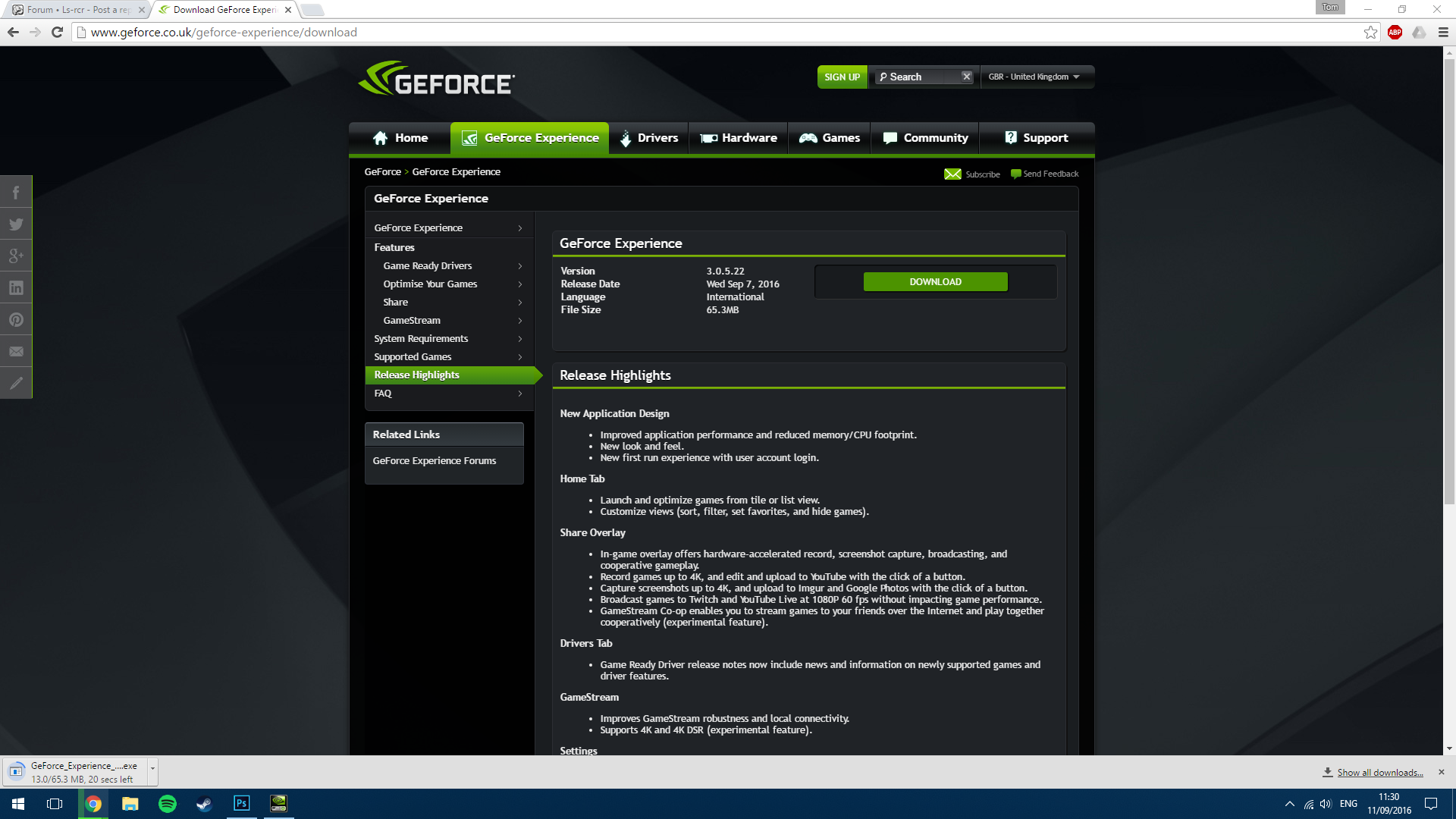
It's installed but found like 1/5th of my games, It doesn't seem to pick up all of them...
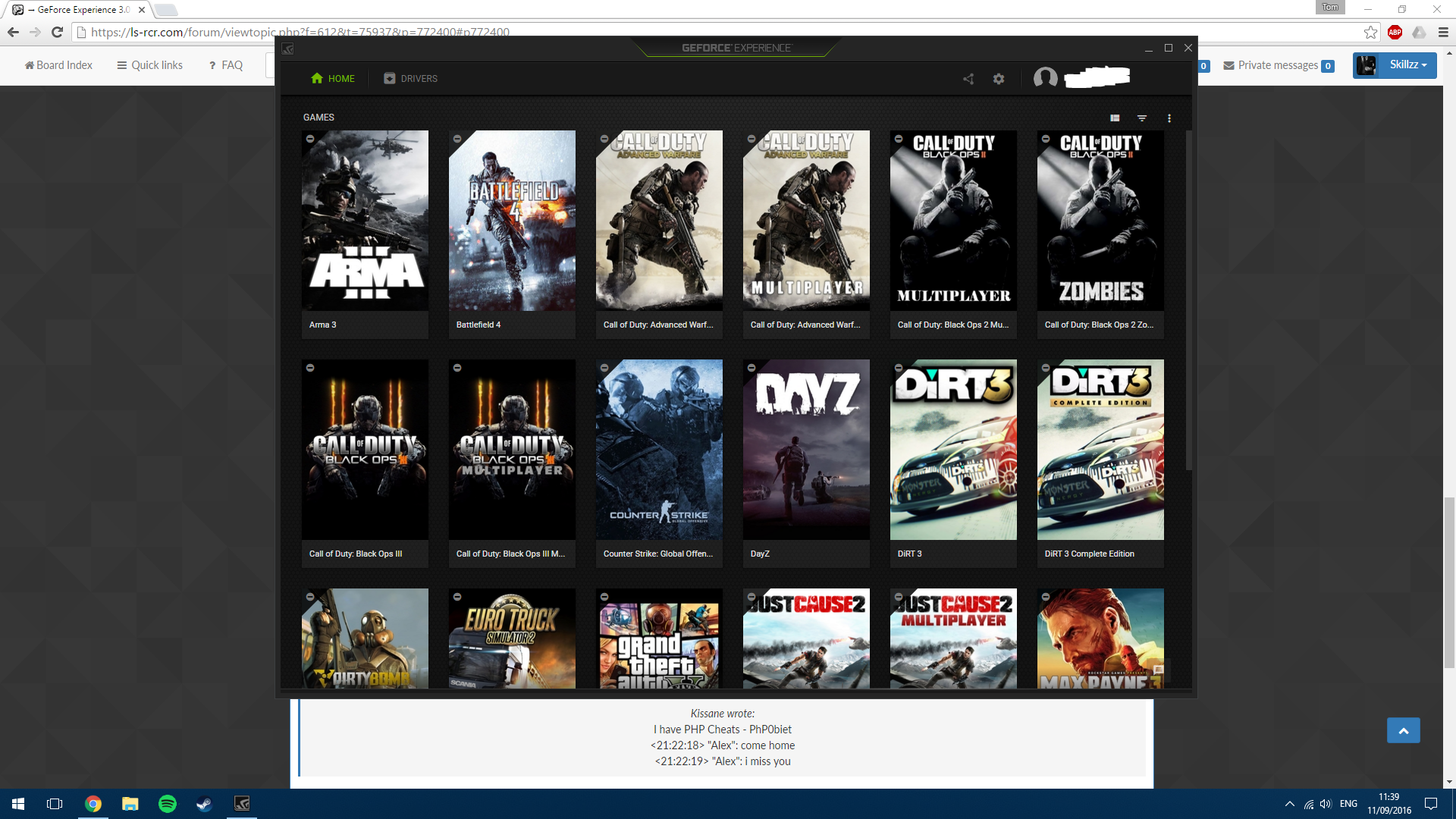
Have to say, the recording part of the overlay is actually really good - It's one of the best recording methods I've used.
Downloading and installing it this way:
It's installed but found like 1/5th of my games, It doesn't seem to pick up all of them...
Have to say, the recording part of the overlay is actually really good - It's one of the best recording methods I've used.
Senior Administrator | Server Developer | Army Sergeant Major | Head Supporter
What the fuck..
Am I the only person who's facing same problems like me?
Listen.. I upgraded my Geforce Experience 2 days ago and yeah.. Everything went fine till now.. But now I tried to record anything inside of game or something desktop, but it's not working from some reason..
There is status indicator which shows me that shadowplay is ready to record..
 Yeah, I meant on this shit right here.. But it's gone! Whenever I press ALT+F9 to start manually recording, it's not even starting... I tried to turn off and back on.. But still nothing
I haven't tried to reboot my PC yet... it would probably solve the problem but I'm too lazy and it's so stupid and retarded if I have to reboot each time my PC to get this shit working already properly...
Am I the only person who's facing same problems like me?
Listen.. I upgraded my Geforce Experience 2 days ago and yeah.. Everything went fine till now.. But now I tried to record anything inside of game or something desktop, but it's not working from some reason..
There is status indicator which shows me that shadowplay is ready to record..
I haven't tried to reboot my PC yet... it would probably solve the problem but I'm too lazy and it's so stupid and retarded if I have to reboot each time my PC to get this shit working already properly...



Dimitrije. wrote:What the fuck..Rebooting makes it work. Or go task manager, end the process nvspcaps64.exe(idk if this helps but i did it), go in geforce experience, do the "share option" off and on again(share option is that nvidia shadowplay can record) and will work probably
Am I the only person who's facing same problems like me?
Listen.. I upgraded my Geforce Experience 2 days ago and yeah.. Everything went fine till now.. But now I tried to record anything inside of game or something desktop, but it's not working from some reason..
There is status indicator which shows me that shadowplay is ready to record..
Yeah, I meant on this shit right here.. But it's gone! Whenever I press ALT+F9 to start manually recording, it's not even starting... I tried to turn off and back on.. But still nothing
I haven't tried to reboot my PC yet... it would probably solve the problem but I'm too lazy and it's so stupid and retarded if I have to reboot each time my PC to get this shit working already properly...
e.e wrote:Thing with nvspcaps64.exe helped.Dimitrije. wrote:What the fuck..Rebooting makes it work. Or go task manager, end the process nvspcaps64.exe(idk if this helps but i did it), go in geforce experience, do the "share option" off and on again(share option is that nvidia shadowplay can record) and will work probably
Am I the only person who's facing same problems like me?
Listen.. I upgraded my Geforce Experience 2 days ago and yeah.. Everything went fine till now.. But now I tried to record anything inside of game or something desktop, but it's not working from some reason..
There is status indicator which shows me that shadowplay is ready to record..
Yeah, I meant on this shit right here.. But it's gone! Whenever I press ALT+F9 to start manually recording, it's not even starting... I tried to turn off and back on.. But still nothing
I haven't tried to reboot my PC yet... it would probably solve the problem but I'm too lazy and it's so stupid and retarded if I have to reboot each time my PC to get this shit working already properly...
Thanks a lot, e!
Dimitrije. wrote:i have this often too, i swear, you make such good kills and then you can't shadow record the last minutes BECAUSE IT DOESNT WORK!e.e wrote:Thing with nvspcaps64.exe helped.Dimitrije. wrote:What the fuck..Rebooting makes it work. Or go task manager, end the process nvspcaps64.exe(idk if this helps but i did it), go in geforce experience, do the "share option" off and on again(share option is that nvidia shadowplay can record) and will work probably
Am I the only person who's facing same problems like me?
Listen.. I upgraded my Geforce Experience 2 days ago and yeah.. Everything went fine till now.. But now I tried to record anything inside of game or something desktop, but it's not working from some reason..
There is status indicator which shows me that shadowplay is ready to record..
Yeah, I meant on this shit right here.. But it's gone! Whenever I press ALT+F9 to start manually recording, it's not even starting... I tried to turn off and back on.. But still nothing
I haven't tried to reboot my PC yet... it would probably solve the problem but I'm too lazy and it's so stupid and retarded if I have to reboot each time my PC to get this shit working already properly...
Thanks a lot, e!
e.e wrote:yeee ! same just like me omg i swear! same! always when I spot a cheater or when I do some miracle of kill and then I realize that my shadowplay ain't working.. then I want to kill myself... fuuuckDimitrije. wrote:i have this often too, i swear, you make such good kills and then you can't shadow record the last minutes BECAUSE IT DOESNT WORK!e.e wrote:Thing with nvspcaps64.exe helped.
Rebooting makes it work. Or go task manager, end the process nvspcaps64.exe(idk if this helps but i did it), go in geforce experience, do the "share option" off and on again(share option is that nvidia shadowplay can record) and will work probably
Thanks a lot, e!
Damn! I know that feeling.. Fuck.
Dimitrije. wrote:Btw like I just read, Shadowplay got renamed to "Share" so explains the "Share" thing in the Geforce Experience menu. (You can configure your shadowplay there too)e.e wrote:yeee ! same just like me omg i swear! same! always when I spot a cheater or when I do some miracle of kill and then I realize that my shadowplay ain't working.. then I want to kill myself... fuuuckDimitrije. wrote:i have this often too, i swear, you make such good kills and then you can't shadow record the last minutes BECAUSE IT DOESNT WORK!
Thing with nvspcaps64.exe helped.
Thanks a lot, e!
Damn! I know that feeling.. Fuck.
Who is online
Users browsing this forum: No registered users and 1 guest
 Los Santos Roleplay Cops & Robbers
Copyright © Ls-rcr 2026. All Rights Reserved.
Los Santos Roleplay Cops & Robbers
Copyright © Ls-rcr 2026. All Rights Reserved.